Complete guide
Which IPTV App for Your Device? A 30-Second Chooser
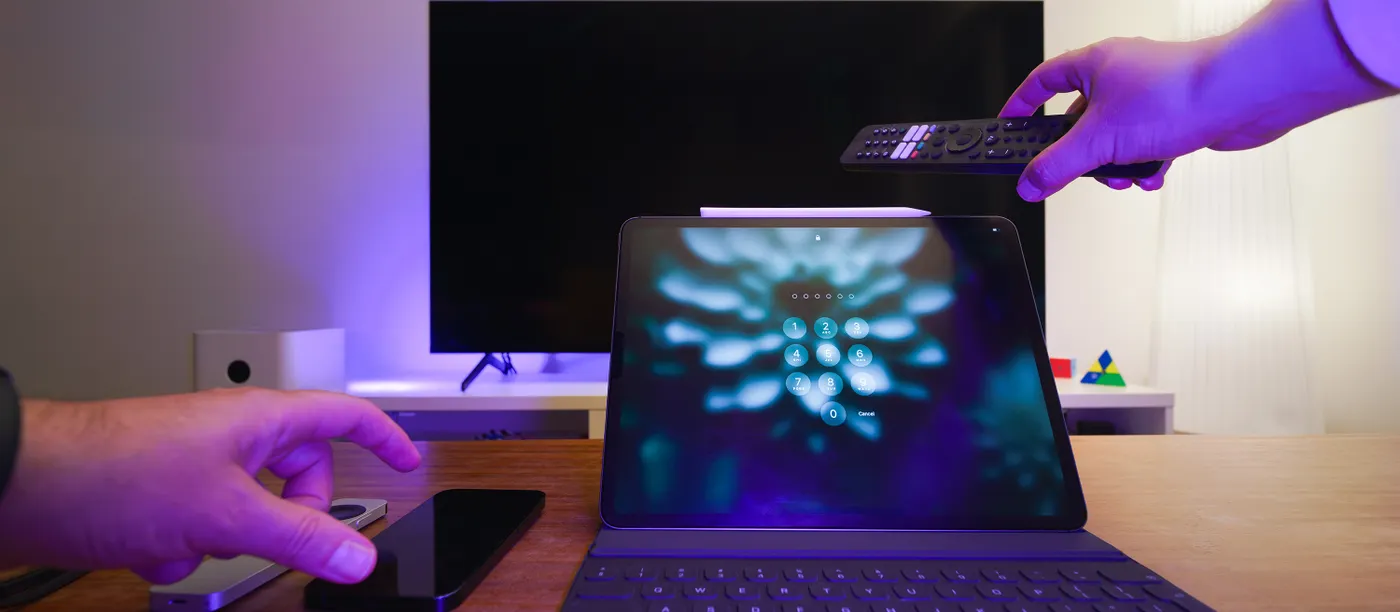
Lists of the ten best IPTV players are not much help when the real question is which one works on the TV in your living room. This guide starts from your device instead. Answer three questions, get a recommendation, then read the one catch that trips people up on that kind of screen.
The 30-second chooser
Question 1: what will you watch on most?
- A Smart TV with no stick or box plugged in → go to Question 2.
- A Firestick, Android TV box or Google TV device → you have the widest choice. Use an Android-based player with Xtream Codes login.
- An Apple TV, iPhone or iPad → use an App Store player that accepts Xtream Codes or an M3U link.
- A MAG box → no app needed. You enter a portal address and we register your box's MAC address.
- A Windows or Mac computer → a desktop player or a web player with M3U support.
Question 2: which brand of Smart TV?
- Samsung (Tizen) or LG (webOS) → use a player from the TV's own app store. Most of these activate by device ID, so allow a few extra minutes.
- Sony, Philips, TCL or Hisense running Google TV or Android TV → treat it like a Firestick: any Android player from Google Play works.
- Other systems (Roku, VIDAA, older sets) → the cleanest route is a cheap streaming stick in the HDMI port. It is usually faster than the TV's own processor anyway.
Question 3: do you want catch-up and a programme guide?
If yes, choose a player that shows the EPG as a grid and supports catch-up (sometimes called archive or timeshift). Most Xtream Codes players do; many basic M3U players only show a channel list. When in doubt, ask support and we will name one that works on your exact model.
Login types, in one table
Every player accepts at least one of these three ways to log in. Your welcome message includes whichever your device needs.
| Login type | What you enter | Best for | Watch out for |
|---|---|---|---|
| Xtream Codes | Username, password and server URL | Firestick, Android, iOS, most apps | One typo in the URL and nothing loads |
| M3U link | A single long web address | Computers, simple players | Often no guide or catch-up unless an EPG link is added too |
| MAC / portal | Portal URL; we register your MAC | MAG boxes, some Smart TV apps | Changing the device means re-registering |
The one catch on each device
Firestick and Fire TV
Many players are not in the Amazon Appstore, so you install them with the Downloader app after allowing apps from unknown sources. Older Firesticks also run out of storage, which causes slow menus. Our Firestick setup guide covers both.
Samsung and LG Smart TVs
Player apps on these TVs often need activating with the device ID shown on screen, sometimes with a small one-off fee from the app developer. That fee goes to the app maker, not to us, and it is separate from your subscription.
Android TV boxes
Cheap unbranded boxes ship with old Android versions and weak Wi-Fi chips. If your box struggles with HD, the box is the bottleneck, not the stream. A wired connection helps a lot.
Apple TV, iPhone and iPad
Apps come and go from the App Store. If a player disappears, your login still works; you just install a different player and enter the same details.
MAG boxes
The MAC address is printed on a sticker under the box. Send it exactly as written, including the colons, before you enter the portal address.
Computers
Browser-based players are convenient but some block streams on secure pages. A desktop player avoids that and usually handles 4K better.
When the app is installed
Set the player to use your TV's full resolution, turn on hardware decoding if the option exists and add your favourite channels to a list so you are not scrolling through thousands each evening. If something does not load, the troubleshooting order walks through causes from the most to least likely. Step-by-step screens for each device are also on the setup guide page.
Articles in this guide
- Firestick IPTV Setup: the Five Settings That Decide How It Runs: Installation is the easy part. These five Firestick settings decide whether IPTV then runs smoothly or stutters.
- IPTV Troubleshooting: Start From the Symptom, Not a List of Fixes: Find your symptom, check the likely causes in the right order, and learn when to stop and message support.
Frequently asked questions
Do I have to pay for a player app?
Many players are free. Some Smart TV players charge a small one-off activation fee to their developer. That is separate from your Aero IPTV plan.
Can I use the same login in two different apps?
Yes. The login belongs to your subscription, not to the app. Only the number of streams playing at the same time is limited by your plan.